AI Websites & WaaS · October 29, 2026 · 9 min read
03. Cognitive Content Hierarchy: Structuring Website Copy to Guide High-Intent Buyers
Part 3 of 10 in "Website & Content: From First Click to Conversion" — Using clean heading ladders, short paragraphs, and scannable contrast to prevent reader fatigue.
By xiom (Principal Growth & AI Web Architect)
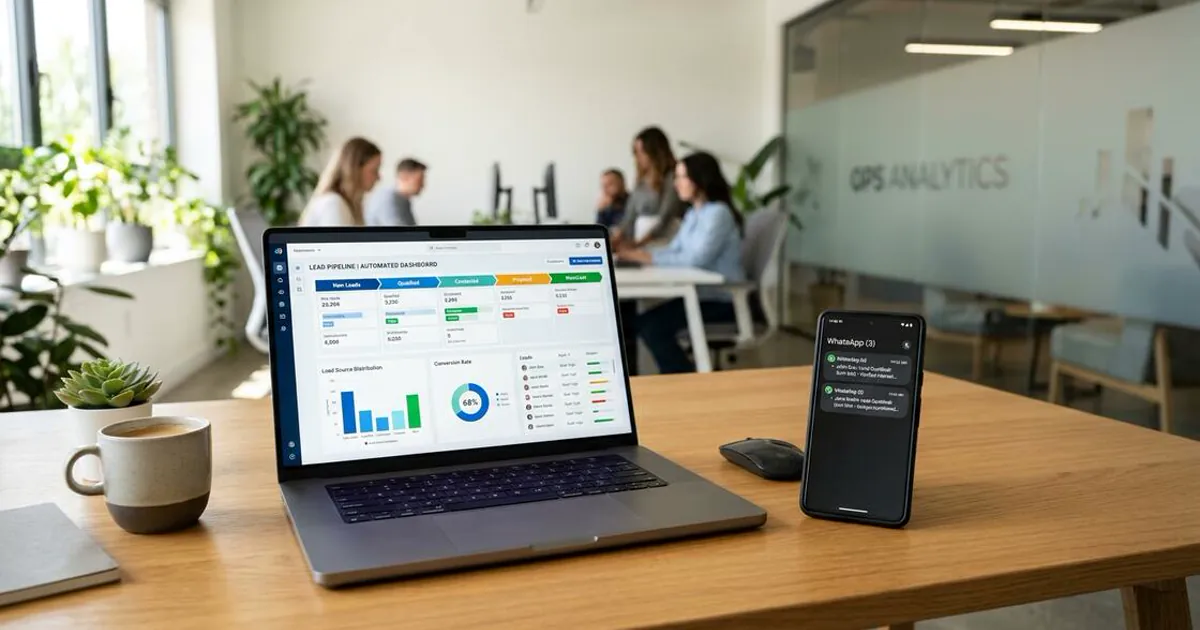
Busy executives scan headings, metric callouts, and lists before reading paragraphs in full. Architect clear content hierarchies that keep serious evaluators reading through to conversion.
01. Designing for Both Fast Skimmers and Technical Evaluators
Once a buyer scrolls past Winning the First 5 Seconds, scanning begins in earnest. Research shows B2B buyers sweep H2 headings, bold callouts, and key takeaways before reading prose.
Descriptive Headings Carry the Core Argument
Generic headings like "Our Services" force unnecessary effort. Descriptive H2 and H3 subheads let fast readers grasp your thesis cleanly before reaching Verifiable Trust Architecture.
- Constrain reading column widths to 50–75 characters (65ch–72ch) for comfortable tracking.
- Keep paragraphs tight at 2–4 sentences and 40–60 words max for easy mobile reading.
- Preserve strict H1 -> H2 -> H3 progression without skipping heading levels.
02. Strategic Contextual Links Across Your Editorial Cluster
Effective hierarchy connects vertical page rhythm with lateral site exploration. Weaving contextual anchors inside prose lets analytical readers branch straight toward Transparent Pricing & WaaS Comparisons or Interactive Content Audits.
Interconnected Guides Strengthen Topical Authority
Between two and five relevant internal links per guide double time-on-site without cluttering layout. Search engines and AI assistants also map deeper subject expertise across connected articles.
- Write descriptive link phrases instead of vague buttons saying "click here" or "learn more."
- Keep unique internal links focused between 2 and 5 relevant guides per post.
- Display a clear Table of Contents sidebar so evaluators jump straight to specific answers.
Continue Reading on Digital Pulse
- Essential Strategy, Website and Digital Presence for Business Growth in Mombasa and Nairobi
- The Core Shifts in SME Web Features for 2027: Practical AI UX & CRO
- WhatsApp Web for Business: Setup, Security, and Workflow Automation Guide
- What Is Web Design? Core Elements, User Experience, and Modern Standards
- Web Design Kenya: Mobile Speed, M-Pesa Checkout, and Local SEO Benchmarks